Bharat Matka for iPhone (iOS): How to Add the Web App
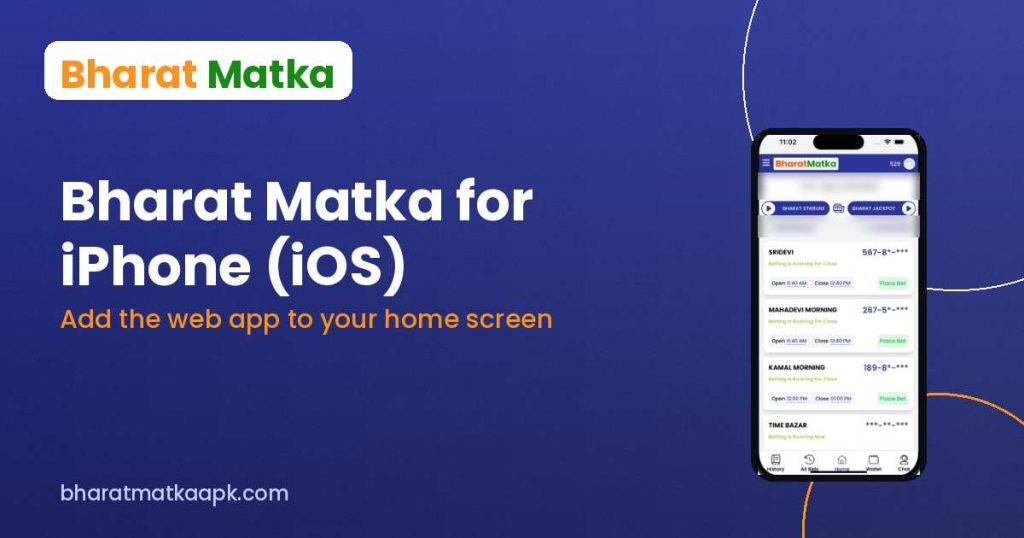
Searching for the Bharat Matka iOS app or Bharat Matka for iPhone? APK files only work on Android, but the official site offers a Bharat Matka web app you can add to your iPhone home screen in under a minute.
Why the Bharat Matka APK won’t install on iPhone
An APK is an Android app package. iPhones (iOS) cannot open or install APK files, and real-money matka apps are not listed on the App Store. That’s why the official BharatMatka website gives iPhone users a web app instead.
How to add the Bharat Matka web app to your iPhone
- Open Safari (this works best in Safari, not Chrome).
- Visit app.bharatmatka.net.
- Tap the Share button (the square with an arrow).
- Scroll down and tap Add to Home Screen.
- Tap Add. The Bharat Matka icon appears on your home screen.
Open the icon and log in with your Bharat Matka account. Don’t have one yet? See how to register on Bharat Matka.
Tips
- If “Add to Home Screen” is missing, scroll further down the Share sheet or tap “Edit Actions”.
- Always check the address bar shows app.bharatmatka.net before logging in, to avoid look-alike phishing sites.
- Don’t install “Bharat Matka” profiles or apps from unknown links – the web app needs nothing extra.
Bharat Matka result and charts on iPhone
You don’t need the app to check results. Today’s Bharat Matka result and Jodi/Panel charts open on any iPhone browser, for example the Sridevi Jodi Chart or the Milan Morning Panel Chart.
18+ only. Gambling is restricted or illegal in many Indian states – check your local law. Never share your OTP, UPI PIN or password.
Related guides

Download only from bharatmatkaapk.com or a trusted link. 18+ only.